



1 / 3
In this pack
- Presets
- 25 · .xmp + .lrtemplate
- Works on these photo files
- RAW, JPG, DNG and TIFF
- Works in
- Lightroom & Camera Raw
- Also in
- The Complete Bundle
Another example
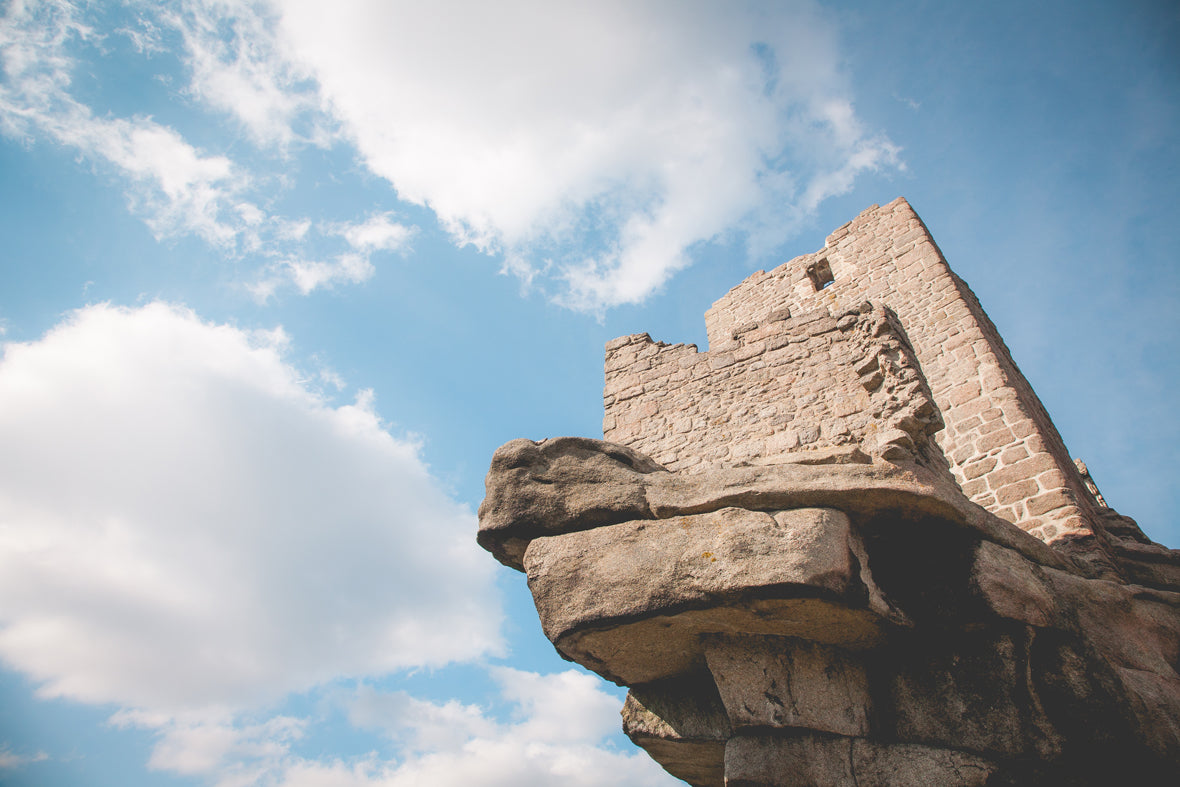
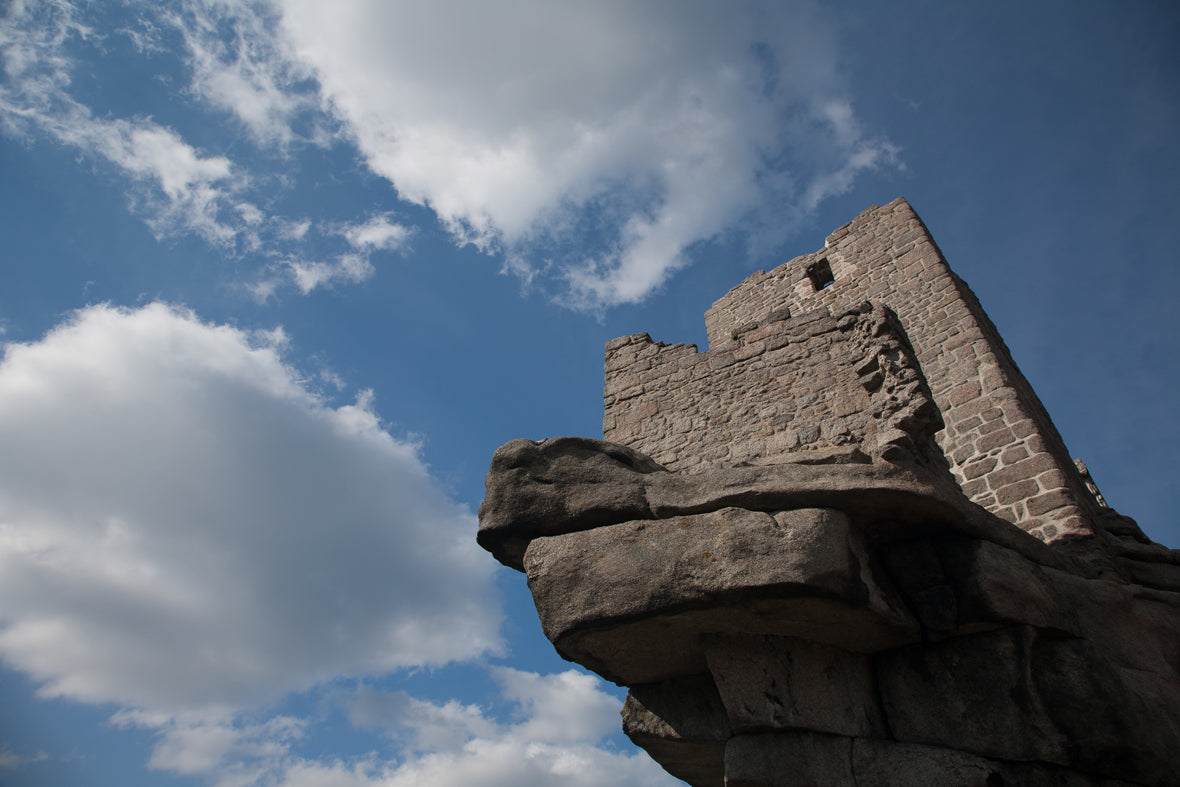
Perfect forSpring
Seasonal Color
25 Spring Color Lightroom Presets
25 Spring Color Lightroom Presets is a set of 25 Lightroom presets by Dreams & Spark for spring color. The presets work on RAW, JPG, DNG and TIFF images in Lightroom Classic, Lightroom (desktop & mobile) and Adobe Camera Raw. $39, instant download.
- presets
- 25
- download
- Instant
- works in
- Lightroom + Camera Raw
- works on these photo files
- RAW · JPG · DNG · TIFF
$39 USD
Instant delivery · Installation guaranteed
Our promise
- Instant delivery on the thank-you page and by email, or we send your files personally within 24 hours.
- Installation guaranteed. Stuck installing? Email [email protected] and we'll help you until your presets are working.
Works with
- Lightroom Classic
- Lightroom (desktop)
- Lightroom mobile
- Adobe Camera Raw & Photoshop
LUT format works with
- Luminar Neo
- ON1 Photo RAW
- Capture One
- Affinity Photo
- Photoshop
- Final Cut Pro
- Premiere Pro
- DaVinci Resolve
See it on real photos
Before & after examples
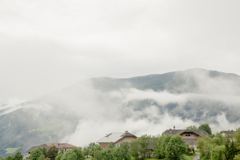
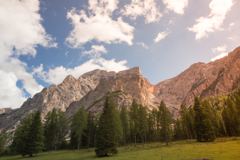
3 examples. Drag across any photo to compare the original with the edit.
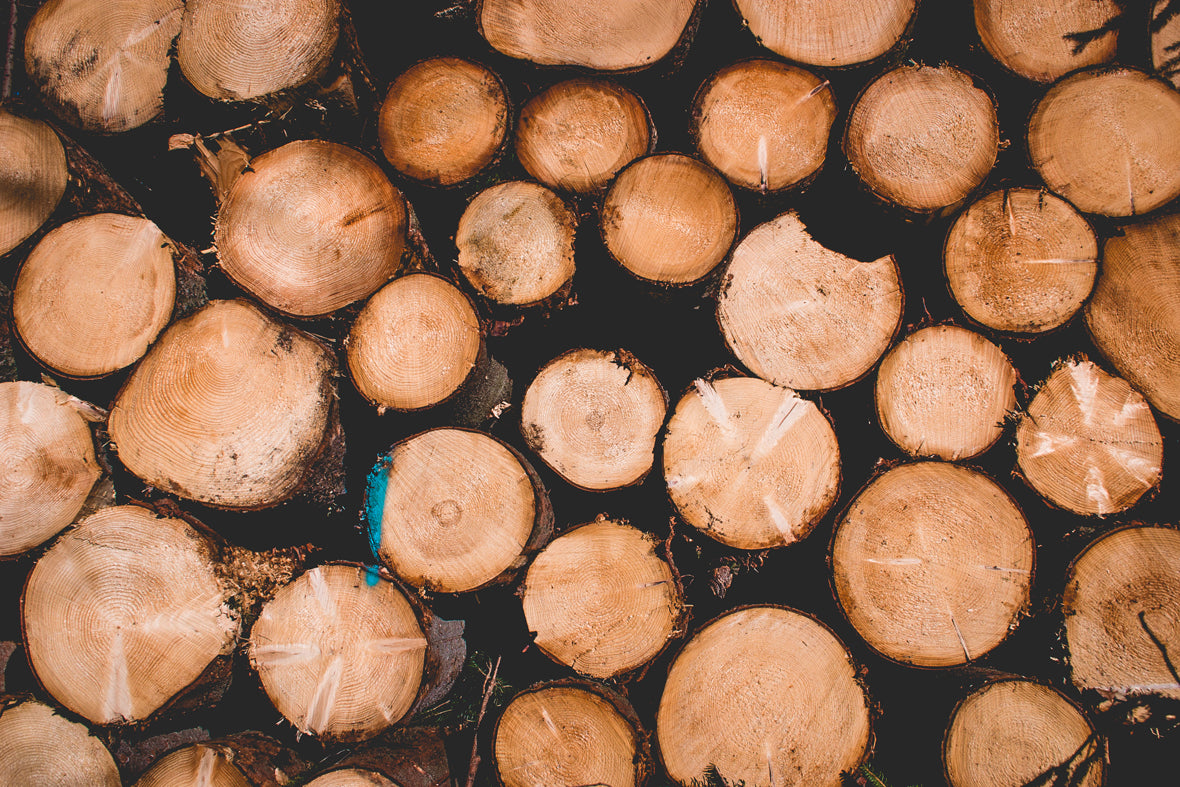

More from this pack
The look
Who these presets are for
Experience the calming effects of the Spring Color Lightroom Presets.
Made for
What's in Spring Color (25 presets)
- 25 Lightroom presets as .xmp files (Lightroom Classic, Lightroom desktop & mobile, Camera Raw)
- The same presets as .lrtemplate files (Lightroom 4–6, Classic up to 7.2)
- Installation instructions
Specs & compatibility
| Presets included | 25 |
|---|---|
| File formats | .xmp (Lightroom Classic 7.3+, Lightroom desktop & mobile, Adobe Camera Raw) and .lrtemplate (Lightroom 4–6 and Classic up to 7.2) |
| Works in | Lightroom Classic, Lightroom (desktop & mobile) and Adobe Camera Raw |
| Works with | Lightroom Classic · Lightroom (desktop) · Lightroom mobile · Adobe Camera Raw & Photoshop |
| Works on these photo files | RAW, JPG, DNG and TIFF |
| Computer | PC and Mac |
| Delivery | Instant download, with installation instructions |
| License | Use the photos you edit for personal and commercial or client work, royalty-free. The presets are licensed to you alone and can't be shared, resold or uploaded. |
| Choose your format | Lightroom presets or LUTs, same price ($39). Add the other format for +$10. |
| LUT format | .cube, 33-point, one per preset, sRGB input. LUTs reproduce each look's colour and tone; grain, vignettes, light-leak placement and Lightroom's local Highlights/Shadows adjustments are Lightroom-only. |
| Our promise | Instant delivery · Installation guaranteed |
| Help | [email protected] |
| Price | $39 |
| Also in | The Complete Bundle |
Up and running in minutes
How to install Spring Color
- 1
Download
Your files arrive on the next screen and by email.
- 2
Import into Lightroom
Follow the steps below. Installation instructions are also in the download.
- 3
Click, then fine-tune
Apply a preset, then adjust exposure and white balance to suit each photo.
Lightroom Classic (7.3 and later)
- Open the Develop module.
- In the Presets panel, click +, then Import Presets…
- Select the .xmp files (or the ZIP) and click Import. Lightroom Classic 15 no longer accepts .lrtemplate files, so always use the .xmp folder.
Lightroom desktop & Lightroom mobile
- Lightroom desktop: open a photo in Edit, click Presets, then ⋯ › Import Presets… and choose the .xmp files. They sync to mobile when you're signed in.
- Lightroom mobile: save the files to your phone, open a photo, tap Presets › Yours › ⋯ › Import Presets, and pick the files.
Adobe Camera Raw
- Open a photo in Camera Raw and go to the Presets panel.
- Open the ⋯ menu, choose Import Profiles & Presets… and select the .xmp files.
Older Lightroom (4, 5, 6, Classic up to 7.2)
Use the .lrtemplate files. Step-by-step instructions are included in the download and in the full install guide. Still stuck? Email [email protected].
From photographers like you
Customer reviews
Rated 5★ by 15 customers
15 customers have rated Spring Color five stars, and Dreams & Spark customers have left 1,020 five-star ratings since 2016. New reviews appear below.
Be the first to review this pack
Bought Spring Color? Share how it worked for you, ideally with a before/after from a real session.
Only verified buyers can review.
Only logged in customers who have purchased this product may leave a review.
Frequently asked questions
How many presets are in 25 Spring Color Lightroom Presets, and what's included?
25 Spring Color Lightroom Presets contains 25 Lightroom presets, supplied as both .xmp and .lrtemplate files, with installation instructions.
Which versions of Lightroom do the Spring Color presets work in?
The Spring Color presets work in Lightroom Classic 7.3 and later, Lightroom (desktop and mobile) and Adobe Camera Raw, using the .xmp files. .lrtemplate files are included too, for Lightroom 4–6 and Lightroom Classic up to 7.2, on PC and Mac.
Do the Spring Color presets work in Lightroom mobile?
Yes. The Spring Color presets include .xmp files that import into Lightroom on iPhone, iPad and Android: open a photo, tap Presets, then Yours, the ⋯ menu and Import Presets, and choose the files. Presets synced from Lightroom desktop also appear automatically.
Can I use the Spring Color presets on JPEG photos, or only RAW?
The Spring Color presets work on RAW, JPG, DNG and TIFF images, so JPEGs are fine as well as RAW files.
Can I use the Spring Color presets for paid client work?
Yes. Photos you edit with the Spring Color presets can be used for personal and commercial or client work, royalty-free. The presets themselves are licensed to one purchaser and can't be shared, resold or uploaded.
Can I use the Spring Color presets in Luminar, ON1 or Capture One?
The Spring Color Lightroom presets are for Adobe apps. For Luminar Neo, ON1 Photo RAW, Capture One, Affinity and video editors, choose the LUT format (.cube files, one per preset) at the same price, or add the LUTs to your presets for +$10. LUTs reproduce each look's colour and tone; grain, vignettes, light-leak placement and Lightroom's local Highlights/Shadows adjustments are Lightroom-only.
What if I lose my download?
Email [email protected] with your order details and we'll re-issue the Spring Color files.
When do I get my files?
Straight away: download links for Spring Color appear on the thank-you page and arrive by email. If they don't arrive, email [email protected] and we'll send your files personally within 24 hours.
What if I can't get the presets working?
Installation is guaranteed. If you're stuck installing the Spring Color presets, email [email protected] and we'll help you until they're working.
Can I get a refund?
Because these are digital downloads, all sales are final. If your download doesn't arrive or you can't get the presets installed, email [email protected] and we'll make sure you're up and running. Lost your files later? We'll re-issue them with your order details.
More questions? Email [email protected] or use our contact page.
Related Lightroom presets
 Or get everythingThe Complete Lightroom Presets Bundle1,398 presets across 42 collections, including Spring Color · $199

25 Spring Color Lightroom Presets
$39 USD
Instant download · Lightroom Classic, desktop & mobile · Camera Raw · 25 presets

Spring Color · Presets$39
Reviews
There are no reviews yet.